



I was halfway through researching an article about IDEs versus CLI tools when I realized I’d stumbled onto something bigger. The article was supposed to be a straightforward comparison—VS Code versus the terminal, GUI versus command line, that old debate. But as I mapped out the workflows, a pattern emerged that had nothing to do with code editors.
It was about how we think when we work with AI.
TL;DR
Two cognitive modes: AI excels at generating text; traditional editors excel at editing it. Stop forcing one tool to do both.
The switch: Claude Code writes to real files on my filesystem. I edit in Obsidian, then return to Claude Code for more generation—no copy-paste, no context loss.
The workflow: Multi-agent orchestration handles proofreading (via GPT), source verification, image generation, and style enforcement automatically.
Time saved: ~30 minutes per article by eliminating tool-switching overhead.
Who it’s for: Regular writers comfortable with terminal and Git. Not for casual or occasional use.
Two Modes: Generate and Edit
Here’s what I noticed: there are two fundamentally different cognitive modes when working with text.
Generating is when you need to create something from scratch—or transform something substantially. You have an idea, maybe some notes, and you need to turn it into prose. This is where AI shines. You’re collaborating with the model, iterating on output, building something new.
Editing is when you’re polishing what exists. You see a clunky sentence. You want to swap “in order to” for “to.” You need to move a paragraph up three lines. The text is 95% right, and you’re fixing the 5%.
These modes require completely different tools.
For generating, Claude.ai and Claude Code are excellent. You describe what you want, the model produces output, you refine through conversation. The round-trip to the LLM is the whole point.
For editing, traditional tools win. Obsidian. VS Code. Even Word. You highlight, you type, you’re done. No latency. No waiting for a model to regenerate your entire paragraph because you wanted to change one word.
This seems obvious in retrospect. But I spent months fighting it.
My Friction Point with Claude.ai
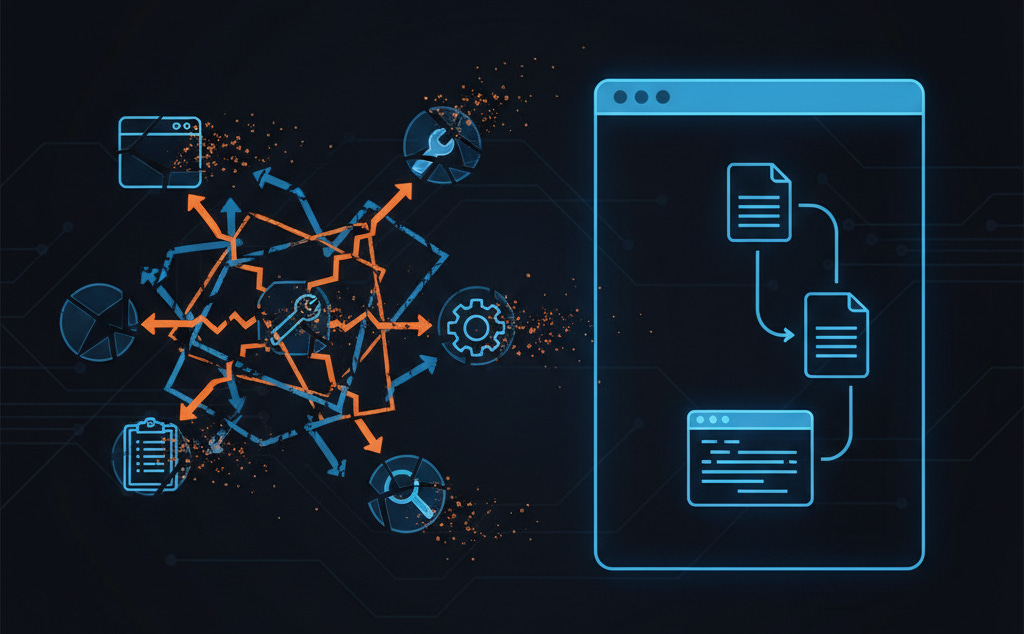
I used Claude.ai for writing constantly. It’s good at generating prose. But every session had the same friction.
I’d generate a draft. I’d read through it. I’d see a phrase that needed tweaking—nothing major, just “in order to” becoming “to.” And then I had two bad options:
Tell Claude to fix it (”Change ‘in order to’ to ‘to’ in the third paragraph”), wait for the response, get a regenerated section that sometimes changed things I didn’t ask to change.
Copy the text somewhere else, edit it manually, then paste it back into the conversation—breaking the flow and losing context.
Neither felt right. I was using a generation tool for editing, and it showed.
The GUI was the problem. Claude.ai lives in a browser. My text is trapped in that conversation. I can’t directly edit it. Not really. Artifacts helped, but they’re still sandboxed. I wanted my prose in files I control, with version control, with the ability to open them in whatever editor fits my current mode.
What Claude Code Changed
Claude Code runs in the terminal. It reads and writes files. Real files, on my filesystem, tracked by Git.
This sounds like a small difference. It changes everything.
When Claude Code generates a draft, it writes to a Markdown file. If I want to do a quick edit—change a word, fix punctuation—I open that file in Obsidian. Make the change. Save. Done. No LLM round-trip for a five-character fix.
When I want to generate again—expand a section, rewrite something that isn’t working—I go back to Claude Code. It reads the file, including whatever edits I made, and continues from there.
I can switch between generating and editing without switching tools or losing context.
But that’s just the foundation. The real power is what you can build on top.
Agentic Workflows for Writing
Before Claude Code, my writing workflow looked like this:
Generate draft with Claude.ai
Copy to Obsidian for editing
Copy to a different tool for proofreading (Grammarly, or a GPT prompt tuned for copyediting)
Switch to yet another tool for image generation
Manually track what style corrections I’m making so I can tell Claude next time
Repeat, with context bleeding out at every transition
It worked. It was also exhausting. Each tool switch cost mental overhead. Each copy-paste risked losing context. Each manual step was something I could forget.
Now my workflow looks like this:
Tell Claude Code what I want to write
Review the output
Edit directly in my preferred editor when needed
Continue generating with Claude Code when needed
When done, run my reviewing agent workflow (GPT or Gemini for a different perspective)
That last step does everything I used to do manually—automatically.
I estimate this shaves about 30 minutes per article—time I used to spend switching tools and re-establishing context. I’m also happier with the quality. You see more of my direct writing (like this paragraph) because it’s simpler to pop in when I see a need.
My MPM Writing Configuration
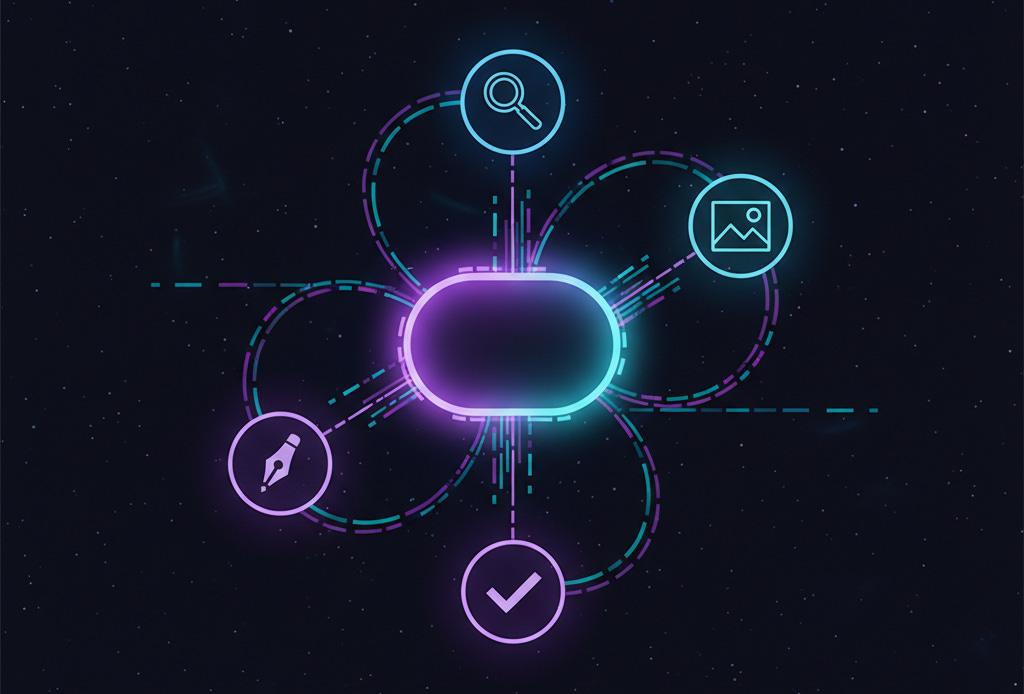
I use Claude MPM (Multi-Agent Project Manager) to orchestrate my writing workflows. Here’s what happens when I finish a draft:
Style extraction from corrections. The agent looks at my edits as git diffs. If I changed “utilize” to “use” five times, it notices. It extracts this as a style hint and stores it for future sessions. Next time I generate prose, it already knows I prefer “use.”
Automatic proofreading with a different model. Claude is good at generating. For proofreading, I route to GPT-4.5—it catches different things. The agent handles this automatically. I don’t switch tools or copy text; it just happens.
Source verification. If my article cites statistics or makes factual claims, the agent checks them. It flags anything it can’t verify. I’ve caught embarrassing errors this way—numbers I misremembered, claims that turned out to be outdated.
Image generation. The agent generates article images based on the content. I can specify style guidelines once and they apply to every article. No more context-switching to Midjourney or DALL-E.
Consistent voice enforcement. I have a style guide. The agent applies it during generation and checks it during proofreading. My past corrections inform future output. The writing gets more “me” over time.
All of this happens from one place. I stay in my terminal. The orchestration is invisible.
The Technical Substrate
This works because of a few key properties of CLI-based AI tools:
Files as the interface. Everything is Markdown files in directories. I can open them in any editor. I can version them with git. I can back them up, move them, grep them. They’re mine.
Git as memory. My corrections are commits. My drafts are branches. My style evolution is tracked in history. The agent reads this history to learn my preferences. Six months of corrections become training data for better output. I also use Kuzu Memory (a graph-based context store) and MCP Vector Search (semantic code search) to enhance context retrieval.
Composable tooling. Claude Code can call other tools. Shell scripts. Python. APIs. This means I can integrate any service—any model, any image generator, any fact-checker—into unified workflows. The LLM is the orchestrator, not the prison.
Plaintext as power. Markdown is readable without special software. I can preview in Obsidian, edit in VS Code, publish to any platform. No lock-in. No format translation. The simplest format is also the most powerful.
What I Lost (And Don’t Miss)
Claude.ai has conveniences Claude Code doesn’t. The Artifacts panel. The visual interface for non-technical users. The ability to share a conversation link. Online workflow.
I don’t miss any of it.
Artifacts were useful for viewing output—but I’d rather have real files I can edit directly. The visual interface was friendly—but I type faster than I click. Conversation sharing was nice—but I can share a git repo or a Markdown file just as easily.
What I actually miss: nothing. The things Claude.ai provided that seemed essential turned out to be crutches. I thought I needed a GUI. I needed a filesystem.
Who This Isn’t For
Not everyone can or should switch to Claude Code for writing.
If you’re not comfortable with the terminal, the learning curve is real. If you don’t use version control, you won’t get the style-extraction benefits. If you write occasionally and casually, the setup overhead isn’t worth it.
But if you write regularly—articles, documentation, books—and you’re already comfortable with developer tools, this is worth investigating.
The generate/edit distinction alone is worth understanding. Even if you stay in Claude.ai, knowing when you’re fighting the tool can save frustration.
Anthropic has since released workspace-oriented features (Cowork) that improve on the original Claude.ai experience. But for serious writing, I now prefer the file-based workflow. My guess: Anthropic will ship a Markdown-first editor eventually. It’s an obvious product gap.
Getting Started
If you want to try this:
Install Claude Code. It’s Anthropic’s official CLI. Works on Mac, Linux, Windows. Or try Claude MPM, which adds multi-agent orchestration and pre-built workflows on top.
Write to files, not conversations. Tell Claude Code to write your drafts to Markdown files. Edit those files in your preferred editor.
Track with git. Initialize a repo for your writing. Commit your drafts. Your edit history becomes useful data.
Add workflows incrementally. You don’t need the full MPM setup to benefit. Start with the basics—files and version control—and add automation as you identify repetitive tasks.
The core insight isn’t about any specific tool. It’s about matching your tools to your cognitive mode. Generate with AI. Edit with editors. Stop forcing one tool to do both.
I’m writing a book about agentic coding workflows. This article came from Chapter 7, which covers non-code applications of developer AI tools. More at hyperdev.substack.com.
Great description of what is a more efficient workflow. I still toggle between Claude code, Claude and Word. Claude code and Claude don’t always agree. I make them bounce ideas off of each other. In that back and forth, I get clarity.
Have you ever thought about incorporating a second LLM into your workflow?
Just curious.
Really interesting. One line stood out to me as it captures something I've been ruminating on: all of these AI tools are pushing people to think like technologists/developers. Meaning, take their current (creative) processes and systemize them. I wonder if this shift is real and what impact it will have. The line in question is this - how many writers are actually familiar with developer tools?
But if you write regularly—articles, documentation, books—and you’re already comfortable with developer tools, this is worth investigating.