


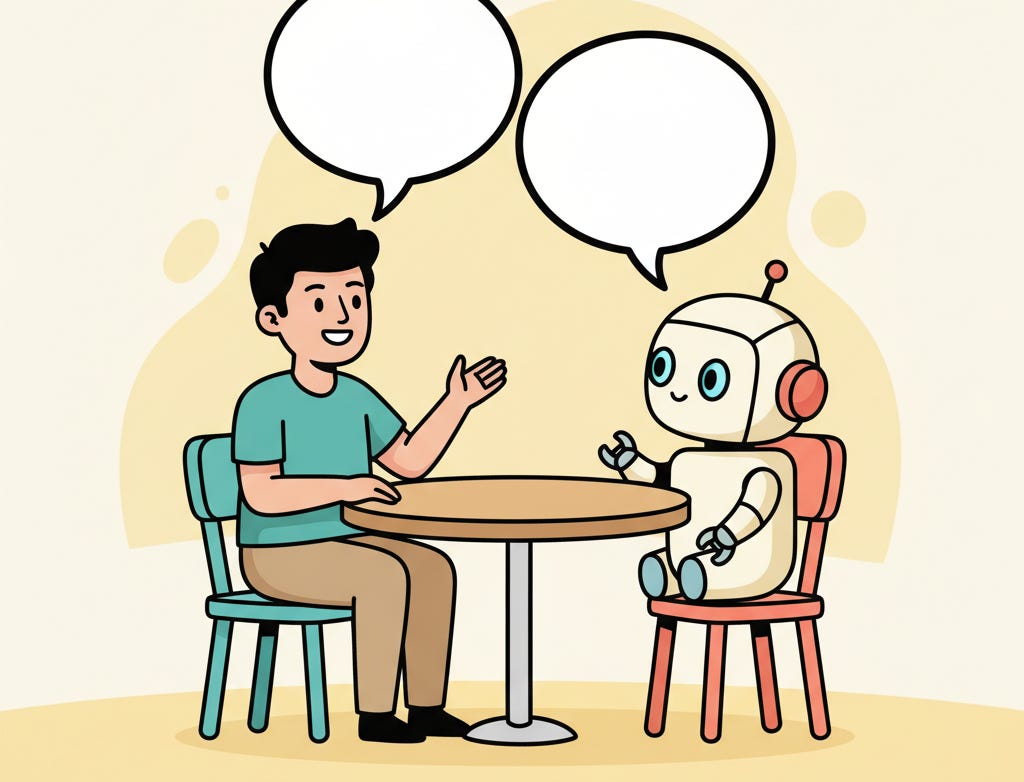
The Dialogue
I was at a conference this week, “Destination AI.” Travis Weber, our head of NA sales, and I put on a round table AI-themed conversation for some valued customers and partners. I’m also on an HFTP (Hospitality Financial and Technology Professionals) “AI Collective” committee, and we had a dinner on Tuesday night. And of course as is typical with these conferences, there are plenty of opportunities to talk with customers and partners.
So I’ve had no shortage of fascinating conversations regarding AI the past couple of days.
But the most unexpected may have been the one I had in my hotel room on Wednesday as I was packing for the airport:
Voice: The Sonnet 5.5 review draft and hero image are committed locally. Should it hold on for your review, or do you authorize the push now?
Bob: You can push it. It’s not going to publish it, but just go ahead and push it, and I’ll review it later.
That’s the ChatGPT voice chat, reading me a decision one of my coding sessions was waiting on. I recorded about 33 minutes of the conversation, and the clips run in the order they happened.
The channel carried engineering direction too. A few minutes before that decision, I set the priorities for my coding sessions.
Bob: The priority for the next few hours is to drive bug fixes and high priority issues in the trusty project. Have the supervisor poll all the other sessions as well, just to make sure there’s nothing waiting for me.
Voice: I’ll ask the supervisor to poll all the other sessions for anything awaiting your decision.
About ten minutes later I started this article the same way.
Bob: Start by having the supervisor ask the writing session to draft the initial premise, which is an interesting way of working through voice while I’m doing something else.
Voice: I’ll ask the supervisor to have the writing session draft that premise.
Bob: Would it make more sense for you to talk directly to the writing session instead of going through the supervisor?
Voice: Yes, talking directly to the writing session would streamline us and avoid errors. We saw one message get truncated, but the supervisor is useful for cross-project coordination.
Then I asked where the article stood.
Bob: Okay, can you summarize where we are right now with the article?
Voice: The core angle is a practical experiment. What it’s like to talk naturally in a quiet hotel room while doing other things with the assistant capturing notes and executing tasks.
What Was Happening
I was having a conversation with two agentic working sessions through one agent. One was the Architect which coordinates the rest (the clips use its earlier name, the supervisor). The other was the writing session, researching/drafting this piece. Status updates from my other work and direction for the article arrived in the same exchange.
Clip 04 is the status side. The assistant read me a decision the Architect had queued, and I answered out loud. The limits travel with each instruction: save or draft unless I say otherwise, and no commit, push or publish without my explicit OK. The first request the assistant sent the Architect for this article ended, “This is a request to draft, not publish.”
Clip 03 is the article side. My words went to the Architect, which passed them to the writing session and told the assistant, “I’ll post the premise here word for word when it arrives.”
Clip 01 changed the route. I took the assistant’s advice, and from then on it worked with the writing session directly, with the Architect kept in the loop for decisions that cross projects. I asked to be interrupted when the Architect needed me, and the assistant answered, “if the supervisor needs a decision from you, I’ll interrupt with a specific question and enough context to answer.”
I didn’t build anything to support this - I already had “The Architect”, I just had ChatGPT connect to my home machine and figure out (in that moment) how to script access to it.
The result? A conversation.
Why This Differs from Dictation
Talking isn’t new. I type, or dictate, into my Claude remote session with the Architect, and it hands the work to the other sessions. Last year I wrote about why voice-to-text finally made sense for developers. Dictating with Superwhisper improved my prompting, my architectural thinking and my documentation, and I still use push-to-talk all the time (now built into Claude). Dictation turns what I say into text, and the session receives that text like anything I type.
The clips show the next step, from speaking text into a tool to a running dialogue with an assistant that answers and coordinates work. I asked for an opinion in clip 01 and got a recommendation with a reason. I asked for a synthesis in clip 02 and heard the article’s angle played back. The full reply ended, “So, uniqueness is still an open question.” In clip 03 I delegated the first draft, and in clip 04 a decision came back for me to make.
The same assistant reasons over typed input, so none of that reasoning is specific to voice. What changed was getting it inside a spoken back-and-forth that kept running while I did something else. Brainstorming and workshopping ideas felt much easier that way than dictating.
The device (my phone) sat on a desk in my hotel room. ChatGPT handled both sides of the exchange, so for most of the conversation I talked and heard the replies without attending to it. When I stepped away to shower I left it running, and it said it would stay quiet. When I came back and asked, “You still there?”, it answered, “Yep, I’m here.” As I put it during the session, this “lets me use my hands and do other things like get dressed and take a shower while I’m conversing with you.” I’ve called ChatGPT “a very good asynchronous voice processor.”
How ChatGPT, Tmux and Claude Code Connect
My harness, trusty-mpm, automatically creates a tmux (tmux is a headless terminal session manager — you can run them without and actual terminal app running, good for working/resuming in the background) session for each working session, the Architect included. The ChatGPT voice assistant reads a session’s tmux pane and sends my direction into the same session. The Technical Appendix has the details.
The Architect is a higher-level agent session, running in tmux like the others, that talks to my working sessions, typically 6 to 12 of them. When one of them needs a decision, the Architect tries to answer or queues the question, and when I answer, it routes the answer back. It gets its own article later.
This works because the sessions work asynchronously. Here the word means task execution, not audio. The writing session launches research and transcription agents in the background and keeps talking to the assistant, and the assistant keeps talking with me. On this article, the research pass below ran while I sent new angles, and its findings arrived afterward. A transcription agent cut the 33-minute recording into these clips while I added the clip-led structure and the dictation section.
What Already Exists
Early in the conversation I asked the assistant whether anyone had written about working this way. It said there were close precedents, so it wouldn’t call this unique. The writing session’s research pass the same day found the same. The close examples, and what each lacks next to my setup:
ChatGPT voice with Codex and Work. OpenAI’s desktop voice starts and checks Codex and Work tasks, and the Codex CLI added experimental
/voiceconversations in release 0.155.0. These drive OpenAI’s agents, not Claude Code sessions.Simon Willison. On Heavybit’s High Leverage podcast he described how he’d “fire up ChatGPT voice mode and tell it to write some Python and go back and forth with it while I’m out with the dog.” The coding happens inside the voice conversation, with no separate sessions described.
mcp-voice-hooks and VoiceMode. mcp-voice-hooks offers continuous hands-free conversation with Claude Code, and VoiceMode adds voice conversations through MCP. In both, the voice lives inside Claude Code, not in the stock ChatGPT app.
yapcode and claude-voice-bridge. The closest. yapcode is a voice agent driving many Claude Code sessions in tmux. claude-voice-bridge connects OpenAI’s Realtime voice to per-project Claude Code sessions in tmux, with status tools. Neither has a coordinating session in the middle.
voice-integration. voice-integration puts realtime voice in front of an agent gateway with status and steering tools, rather than Claude Code sessions.
Exact matches: none. No project in these searches put a coordinating Claude Code session between the voice assistant and the project sessions, or used the stock ChatGPT voice app for status relay and direct collaboration in one conversation. It felt unique to me. Because the GPT session isn’t managing a coding session or coordinating the work of several agents, it felt as if it was focusing its attention on how to communicate more effectively with me.
I’d call this tmux-connected combination experimental, ahead of the common packaged workflows. Native voice that drives agents already exists, and so do the projects above.
What I Expect Next
I do expect this asynchronous conversational workflow, talking while agents work in the background and hearing their results in the same conversation, to become readily available in most agent interfaces, OpenAI’s and Claude’s included.
I used it for one evening, in a quiet room, on high-level work. Hands-free had an exception: the assistant asked me to review a request in the app about 20 times in 33 minutes, and I answered most of them with “Done.” With headphones I could keep talking while moving around, but background noise matters, and I’d expect a loud street or a subway to work less well.
The format suits fairly high-level thinking, like making decisions or framing an article. When I need to get into code or inspect supporting detail, I expect a screen will serve me better than hearing its summary read aloud.
Voice-to-text runs one way. I talk, and text lands in a session. I expect it to become two-way dialogue fairly soon. Dictation gets my thinking into the session. A conversation lets me do the thinking with something that talks back.
Happy conversing!
Technical Appendix
A tmux session per working session. trusty-mpm creates one for each working session, the Architect included. Background agents, such as this article’s research and transcription agents, run inside those sessions.
Read the pane, send input. The ChatGPT voice assistant reads a session’s tmux pane, which is that session’s output, and sends input into the same session.
Scripts written on the spot. I built nothing for this. ChatGPT worked out during the session how to reach my Mac, and it ran scripts to capture each pane’s output.
One remote connection. The ChatGPT app on my phone connects to my Mac. That one connection is all the voice assistant needs to reach my Claude sessions.
The typed path still works. I can still type or dictate into my Claude remote session to the Architect, my usual path, and it delegates to the other sessions.
Both vendors offer a way to reach a session on your own machine. Anthropic’s Remote Control lets you drive a local Claude Code session from claude.ai/code or the Claude apps, and I use it. OpenAI’s remote connections pair a Mac or Windows desktop host with an iOS, Android or desktop client.
Bob Matsuoka is CTO of Duetto, a hospitality profit and revenue-management platform, and writes about AI-augmented engineering practice. Previously, Bob has been CTO of Tripadvisor, Citymaps, and Runtime Technologies.
Related reading:
Why Voice-to-Text Finally Makes Sense for Developers — Where talking to my tools started: dictation with Superwhisper
AI Power Ranking — Tool comparisons and benchmarks for AI practitioners
LinkedIn Newsletter — Strategic AI insights for CTOs and engineering leaders
Good Article Bob, With the exception of tmux (I keep real terminal sessions going on my home machine), Sounds like where I am. A couple of questions though, what does your stack look like? Sounds like you've cut superwhisper out. Is chatgpt now your primary interface to Claude? I'm working out the most efficient way to do this, and build a proper memory for my habits and working style. This gets more complicated as I do more and more non-work things via AI, not sure how (or IF) I should keep the two seperate.