

I published a snarky article yesterday (Thanksgiving day) morning trashing AntiGravity and questioning Google’s scattered, unfocused strategic direction. I need to do a bit of a mea culpa.
Not because I was wrong about the coding capabilities. Not because Google suddenly has a coherent strategy. I stand by all of that.
I was wrong because I completely missed the real opportunity.
AntiGravity may end up being the best end-user browser testing tool we have.
The Penny Dropped Mid-Afternoon
Here’s what happened. I’d been grinding through my usual workflow—Claude Code for the heavy lifting, Augment Code for quick iterations—when I needed to verify some UI changes across a client project. The tedious kind of work. Click through forms, check responsive behavior, verify that the dropdown actually drops down.
Normally this means either scripting something in Playwright (time I don’t have), using Safari with AppleScript (painful), or just... clicking through things manually like it’s 2015.
On a whim, I pointed AntiGravity at my codebase and asked it to review my recent commits, understand what I’d changed, and test the affected UI components.
And then I watched something impressive happen.
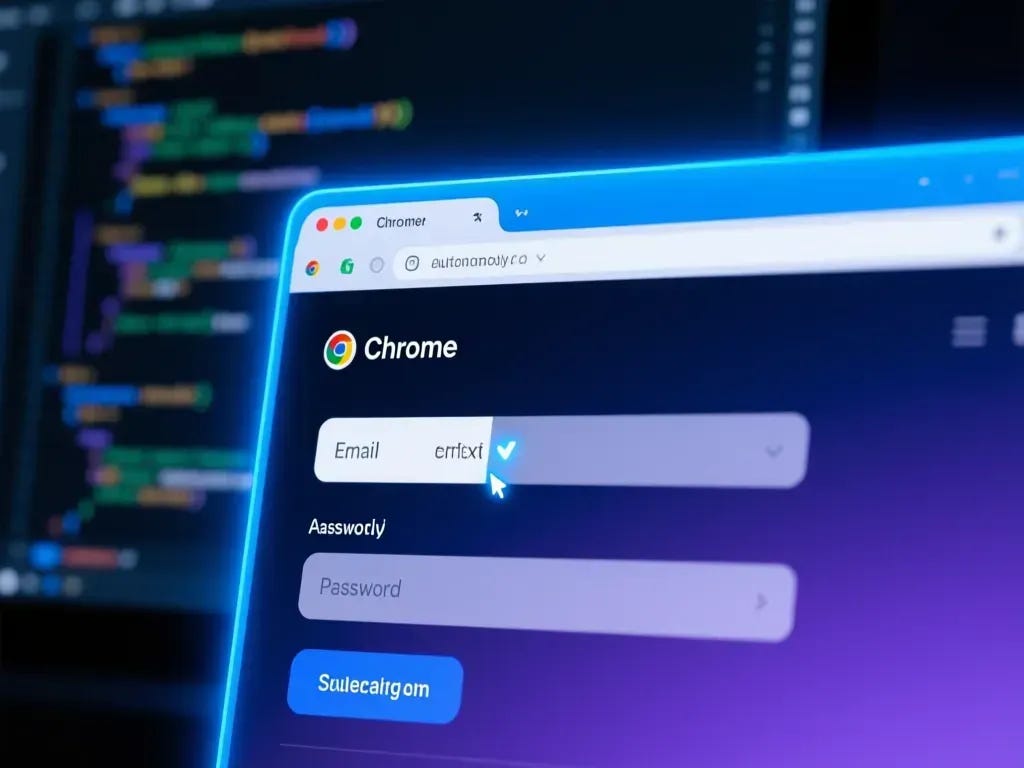
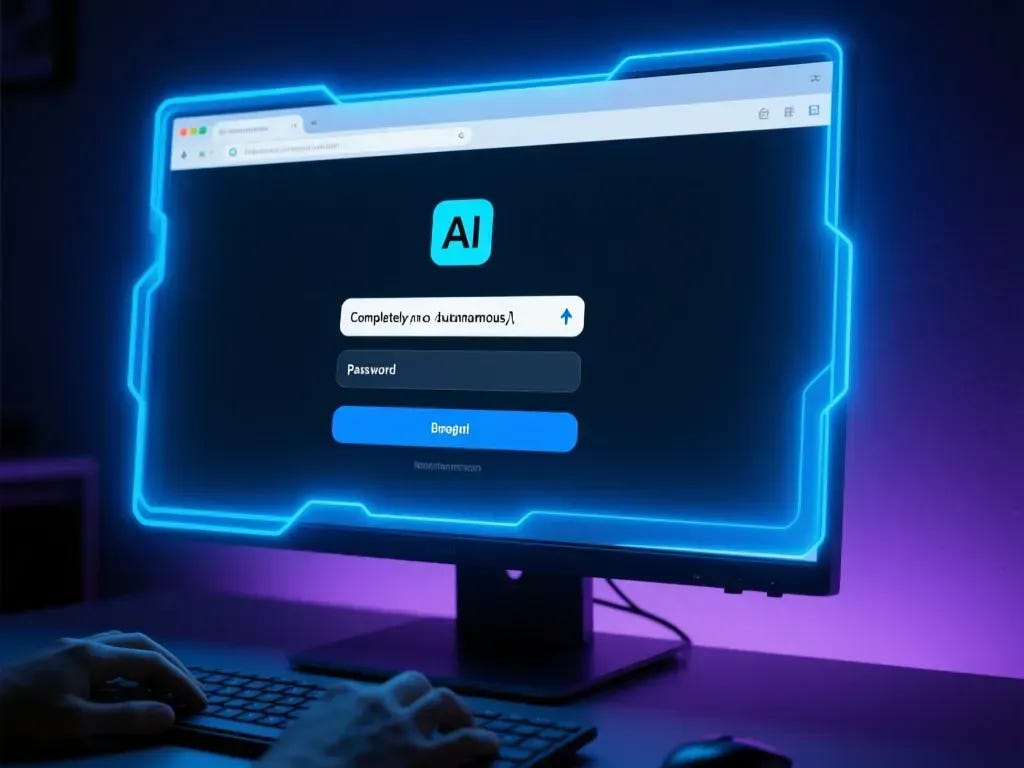
A browser window appeared with a cool blue aura—Google’s visual indicator that the agent has taken control. It started navigating to pages I’d modified. Filling out forms. Scrolling through content. Moving between sections. All while the agent in the IDE was tracking everything: console logs, network requests, visual state changes.
Slow? Yes. Deliberate, even. But completely autonomous and remarkably thorough.
What Makes This Different
I know what you’re thinking. Playwright exists. Puppeteer exists. I’ve written my own MCP browser plugin that I was planning to finish “someday.” There are other browser MCP tools out there. Hell, you can cobble together Safari automation with AppleScript if you hate yourself enough.
But all of that misses the point.
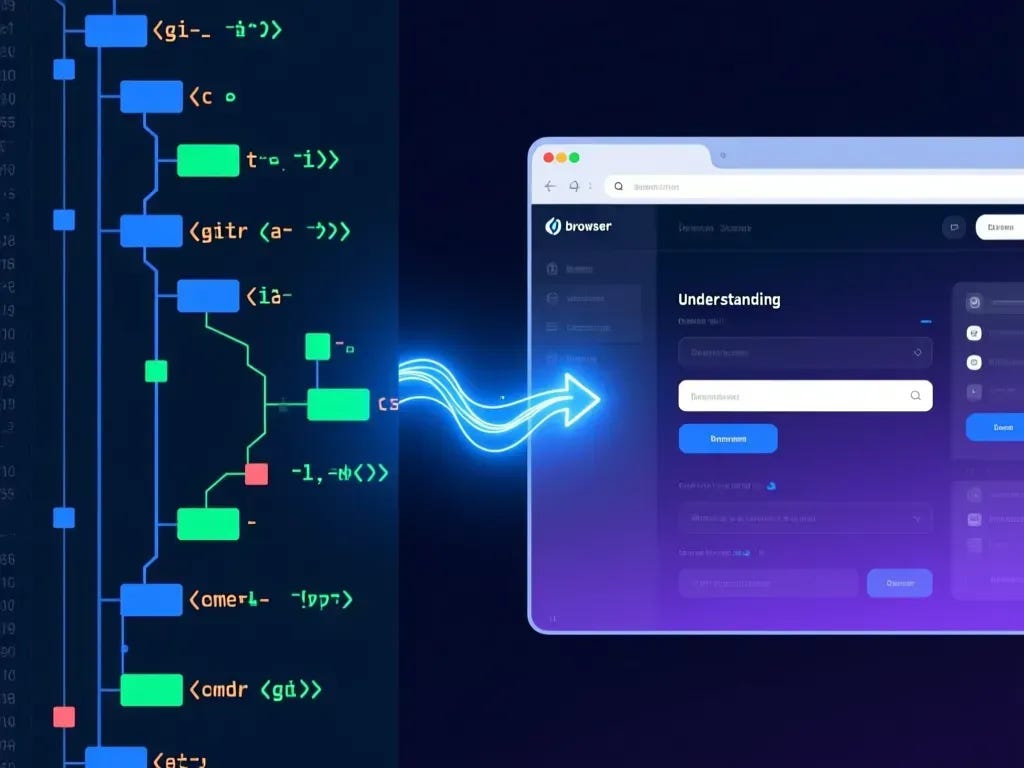
The integration here runs deep. This isn’t just browser automation bolted onto a coding tool. It’s a single agent that can:
Read your entire codebase
Understand your recent commits and what changed
Either read an existing test plan or build one based on what you’ve touched
Execute that test plan in an actual browser
Report results back with console logs, screenshots, and video recordings
That last part matters. When something breaks, you get the actual console output. Not “test failed on line 47.” The real error messages from your real application.
Ihor Sasovets, a former SET engineer, spotted this immediately: “As an ex-SET engineer, I know how much time you spend on selecting the right selector, adding necessary waits and so on. I believe that Antigravity can help you to automate a lot of the processes.”
Simon Willison noted that it “plays a similar role to Playwright MCP, allowing the agent to directly test the web applications it is building.”
So I’m not the only one who noticed. But I might be the first to call it out as the primary use case rather than a side feature.
A Workflow That Works
Here’s the scenario that every engineer knows and every QA team hates:
You’ve done a few days of coding. Features are “done.” Time to hand it off to QA. But you haven’t really tested it yourself because—let’s be honest—browser testing is tedious as hell and you’ve got other things to do.
Now instead of building a test plan manually or throwing it over the wall with a vague “I changed some stuff in the checkout flow,” you can:
Point AntiGravity at your branch
Ask it to review your commits from the past few days
Have it build a user-facing test plan based on what you actually changed
Say “now run it”
The agent fires up a browser, takes over with that blue aura, and starts methodically working through test scenarios. Form submissions. Navigation flows. Error states. Responsive behavior.
When it’s done, you’ve got documentation of what was tested, screenshots of key states, and a clear record of any failures—complete with the technical context from your codebase that a human QA tester would have to ask you about.
Google Didn’t Intend This
Let me be clear: this is not what Google built AntiGravity for.
The official announcement positions it as an “agentic development platform” where agents “autonomously plan and execute complex, end-to-end software tasks.” Browser control is framed as verification—the agent writes code, then checks that it works.
Nowhere does Google say “hey, use this as your QA automation tool.”
But that’s often how the best use cases emerge. Slack was supposed to be a gaming company. Instagram started as a check-in app. Sometimes you build something and users find the actual value.
I’m predicting that browser testing will become AntiGravity’s killer app. Not because Google intended it, but because nothing else combines codebase understanding with browser control in quite this way.

The Token Reality Check
Now the bad news.
One small feature testing session—maybe 20 minutes of browser interaction—ate through my entire free token allocation.
This won’t be cheap to run regularly.
The free tier is basically enough to see if the tool works for you. Any serious usage is going to require paid tokens, and based on my initial experience, the cost-per-test-session is going to be meaningful. We’re not talking Playwright-level costs here. We’re talking LLM inference costs for an agent that’s reasoning about your codebase and orchestrating browser actions simultaneously.
For individual developers doing occasional testing? Probably fine. For teams wanting to run comprehensive test suites? Budget accordingly.
Where This Fits In My Stack
I’m not dropping Claude Code. I’m not abandoning Augment Code. AntiGravity’s actual coding capabilities remain... let’s call them “developing.”
But I can see this becoming my third most-used tool, specifically for one narrow but persistent pain point: technical code review paired with user experience validation.
The integration between “I can read all your code” and “I can also control a browser” is something I haven’t seen anywhere else. That combination solves a specific problem I’ve been hacking around for months.
My half-finished MCP browser extension? Deleted. The janky AppleScript automation I cobbled together? Gone.
The Caveats You Should Know
A few things to keep in mind before you get too excited:
It’s slow. Not “annoyingly slow” but definitely “watch it happen rather than fire and forget” slow. Each action requires reasoning, and reasoning takes time.
Stability is inconsistent. DevClass reported “model provider overload” errors and repeated agent terminations during their testing. I hit similar issues—not constantly, but often enough to notice.
Security concerns are real. Johann Rehberger documented multiple vulnerabilities including remote command execution and data exfiltration risks. The tool has broad system access by design. That cuts both ways.
Chrome only. No Firefox. No Safari. No WebKit testing. If cross-browser validation matters to your workflow, you’ll still need traditional tools.
Bottom Line
I was wrong about AntiGravity. Not about the coding quality (still mediocre) or Google’s strategy (still scattered). I was wrong about where the value lives.
There’s nothing quite like this for integrating technical understanding of a codebase with the ability to carefully control a browser. The agent doesn’t just click buttons—it knows why it’s clicking buttons because it read the code that made them.
Google probably didn’t plan for this to be the headline feature. But I predict it will be.
Just budget for the tokens.
I’m Bob Matsuoka, writing about agentic coding and AI-powered development at HyperDev. For more on AI coding tool evaluation, read my analysis of The AI Coding Tools Market Correction or my deep dive into Multi-Agent Orchestration in Practice.
Hero Image Prompt: A browser window with a subtle glowing blue aura around its edges, showing a partially-filled web form. Code editor visible in the background, slightly out of focus. The browser dominates the foreground with a sense of autonomous control—no human cursor visible, form fields filling themselves. Cool blue and purple tones, technical but approachable aesthetic. 4:3 aspect ratio.