

The story everyone told about Clawd Bot missed the point entirely. Austrian developer Peter Steinberger built an open-source AI assistant that went viral — 145,000 GitHub stars, 2 million visitors in a week. Then Anthropic forced a trademark-based name change because “Clawd” was too similar to “Claude.” The community called it petty. DHH called Anthropic “customer hostile.” The irony: Clawd Bot users were actually buying more Claude subscriptions, providing free marketing to Anthropic, yet they still demanded the shutdown.
But everyone focused on the wrong drama. The trademark dispute was noise. The real problem was deeper: Clawd Bot was built because someone could, not because anyone needed it.
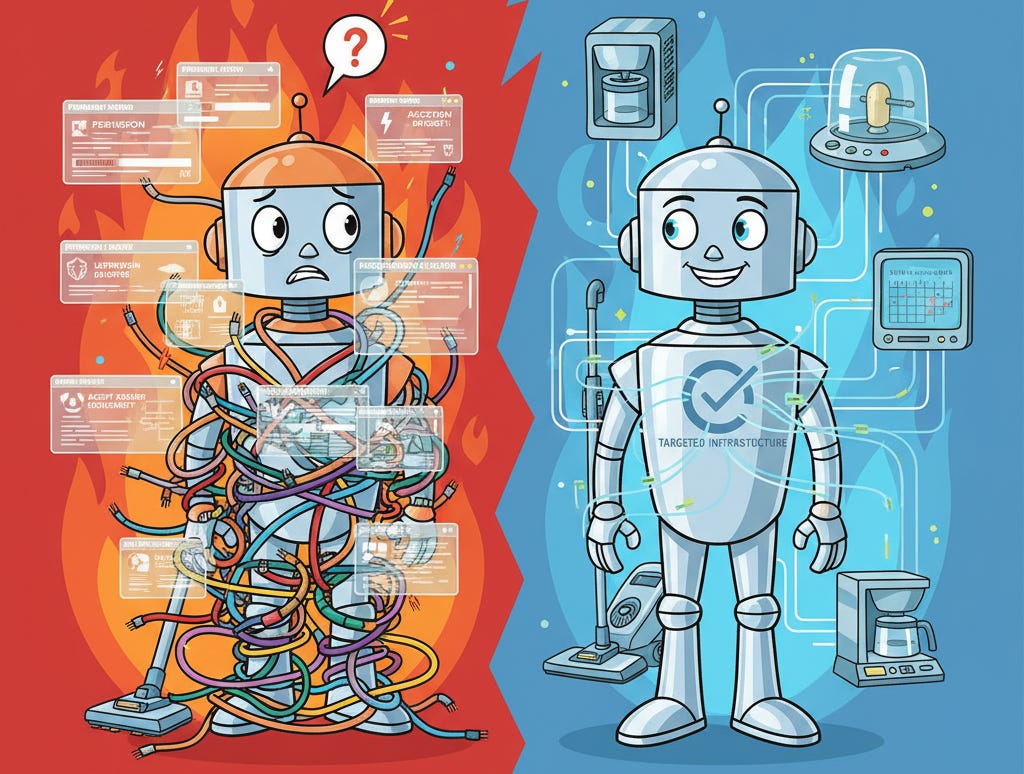
I tested Clawd Bot for about a week. The interface was clean, the onboarding smooth, the responses capable. But it required permissions I wouldn’t give to any tool — access to email, calendars, messaging, sensitive services. The execution had real problems. But even if those were fixed, it would still be solving the wrong problem.
Here’s where I should admit: I tried building a digital assistant, izzie, when I started experimenting with AI agents. I never got it to a point I found useful. Not because of technical limitations — because the entire concept of a universal assistant doesn’t match how work actually happens.
TL;DR
Clawd Bot was successful open-source project by Peter Steinberger that Anthropic forced to rename; execution wasn’t the problem
The real question: when do you need an “assistant”? Most execs won’t trust AI scheduling; the value is intelligent data movement between services
Context switching is a symptom, not the root issue — the issue is what assistants should be doing at all
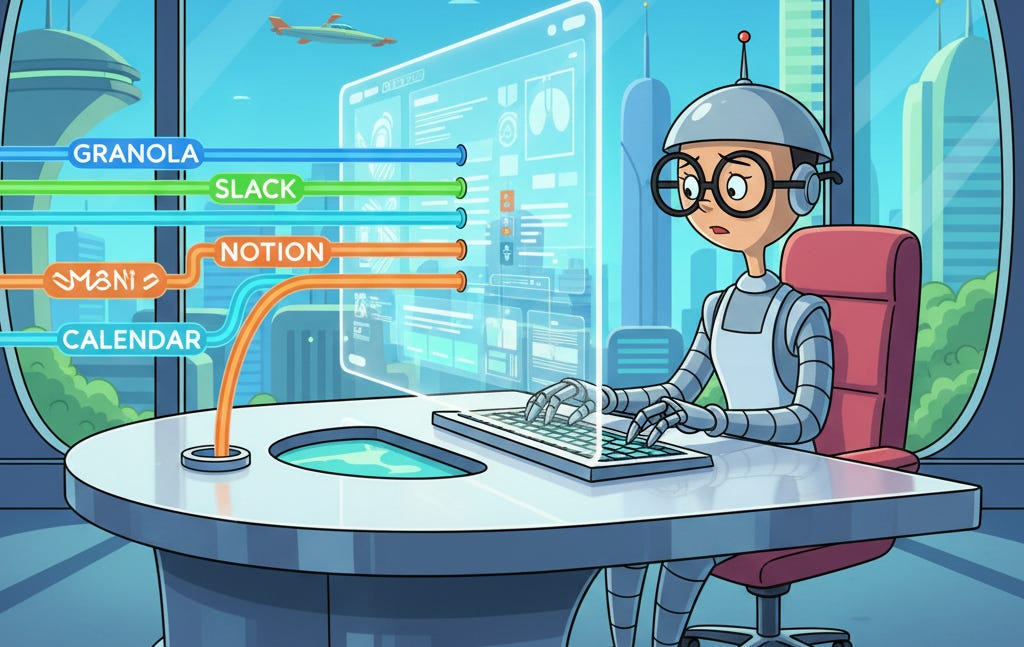
The product management sessions: Granola meeting notes, calendar checks, Slack updates, Notion sync — all from within one tool, data flowing intelligently between services
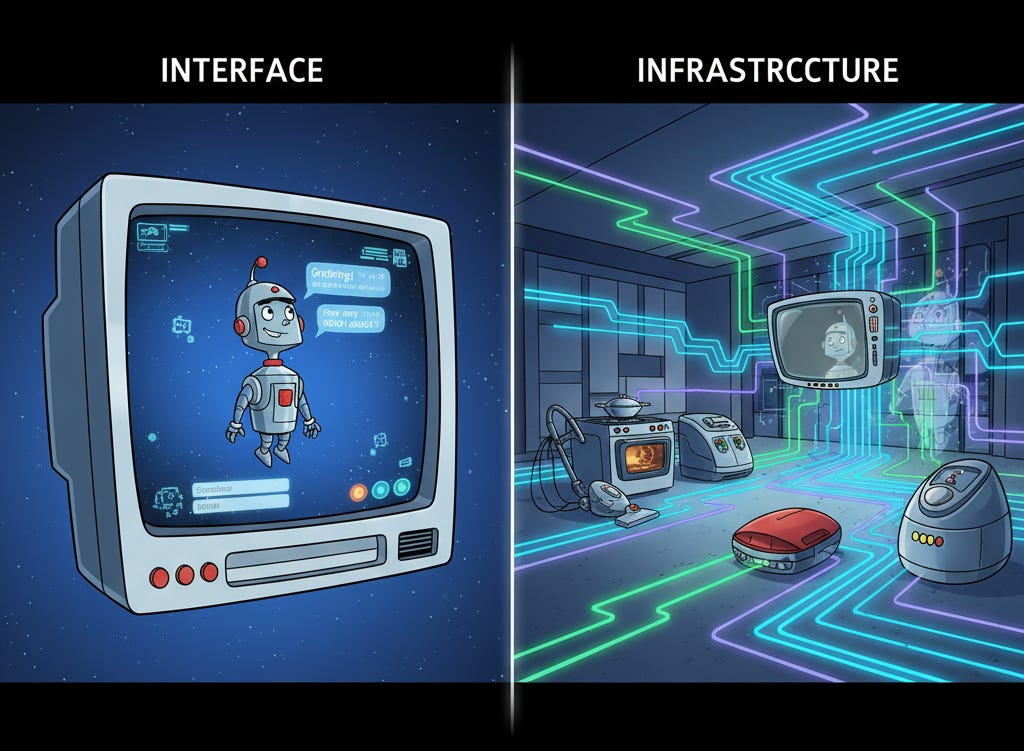
The commercial evidence: Cursor, Notion AI, Linear’s AI triage — the winners embedded AI in tools as infrastructure, not interface
trusty-izzie’s highest value isn’t the chat interface — it’s as a local MCP service exporting personal context to every other tool
The universal assistant category isn’t going to produce a winner. It’s going to dissolve.
What the Universal Assistant Model Gets Wrong (And It’s Not Just Execution)
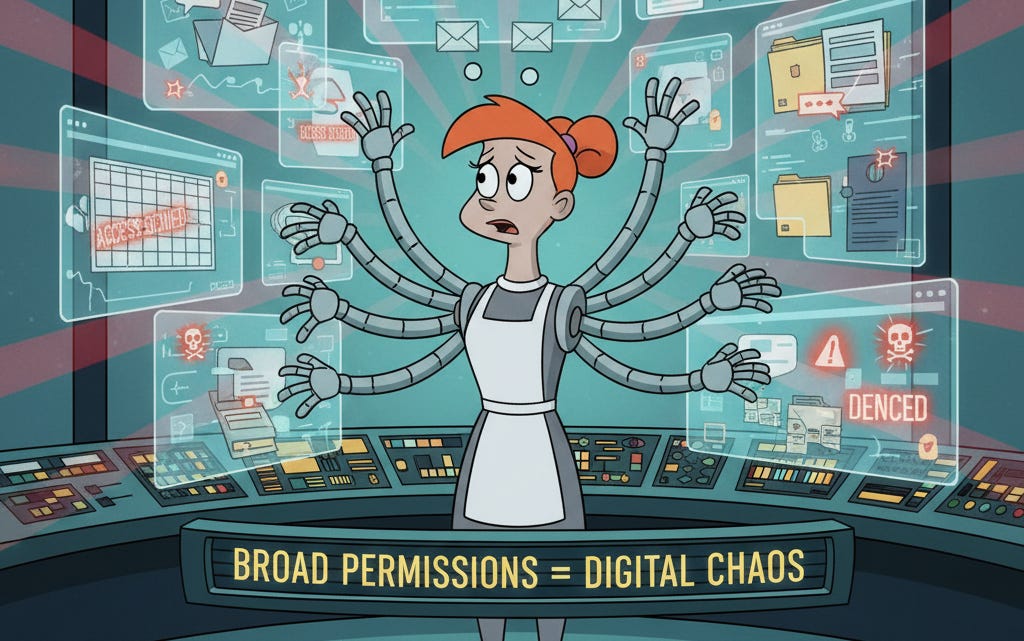
Clawd Bot had serious execution problems — it’s a security nightmare requiring broad permissions across email, calendars, messaging platforms, and sensitive services. You can’t ignore that. But even if the security issues were solved, universal assistants face a deeper structural problem: they assume people need an assistant in the traditional sense.
Walk through what even a well-executed version of the same product model looks like.
Smooth onboarding. Crystal-clear use cases. High-quality AI responses. Clean interface design. Users know exactly what to ask and how to ask it.
You still have to leave whatever you’re working on to use it. And when you do, the context you were carrying — the code you were reviewing, the initiative you were drafting, the design decision you were working through — is no longer present. You’ve moved somewhere that knows nothing about any of that.
So you explain. “I’m working on the ‘YYY’ data ingestion initiative, and I need to check whether the points Mark raised in Tuesday’s meeting are addressed in the current design.” The assistant doesn’t know what ‘YYY’ is. Doesn’t have Tuesday’s meeting. Doesn’t know Mark, the current design, or the organizational context that makes “addressed” mean something specific. You load all of it by hand.
In demos, this overhead is invisible. Demo tasks are self-contained by design — the context fits in a sentence or two. In practice, your working context isn’t self-contained. It’s weeks of accumulated decisions, relationships, dependencies, and constraints that live distributed across your tools. You can’t paste it into a chat window. You can’t even fully articulate it. It’s partially tacit, partially in documents, partially in the history of the tool you’re using.
The Session That Clarified It
A few weeks into the new role at Duetto, I was doing product management work in a claude-mpm session — reviewing open initiatives, managing the PR queue, creating proposals. Standard operational work for a new CTO getting oriented.
I wanted to add an infrastructure initiative. Cloud Dev Sleds — dedicated cloud development machines for the engineering team. The context was in a meeting I’d had the day before. In the old workflow, this would mean: switch to Granola, find the right meeting, read the transcript, extract the relevant points, switch back, and then write the initiative with that context now loaded in my head rather than in the tool.
Instead I just asked: “Review my meeting with Mark yesterday in Granola to get context. I want to create the initiative as a feasibility, cost, and LOE assessment.”
The tool pulled the notes. I created the initiative. The product context — what other infrastructure work was in flight, what the team structure looked like, what the related architectural decisions were — never left. The Granola content landed inside that context rather than requiring me to carry it manually between tools.
Same session: needed to check whether I had a conflict for an upcoming demo. Calendar check, without opening Google Calendar.
Same session: the team needed a status update. Posted directly to the engineering Slack channel, with proper <@USERID> mentions so people actually got notified. The message reflected the same initiatives I’d been working on all session — not because I copy-pasted anything, but because the tool already knew what was in flight.
Later: set up a Notion sync — initiative statuses with links to the docs, updated automatically.
The efficiency argument is real but secondary. The more important thing is that the product context never left. The tool knew what initiatives existed, who owned what, what the architectural decisions were, which PRs were waiting on which engineers. When I pulled Granola notes, they arrived inside that context. When I posted to Slack, the message was informed by that context. A universal assistant would have required me to reconstruct and transport that context manually every time I needed to cross a tool boundary.
No universal assistant is going to have that work knowledge. Not because the AI isn’t capable. Because the knowledge lives in the tool, accumulated over months — PRDs, design decisions, initiative history, team assignments, the proposals that got approved and the ones that didn’t. You don’t recreate that in a chat window.
The Deep Context Problem
The thing that makes domain tools irreplaceable isn’t AI capability. It’s accumulated context.
A product management tool carries months of initiative history. The CTO knowledge base carries organizational decisions, vendor relationships, strategic context that builds over time. These aren’t things you can summarize in a system prompt. They’re queryable, interconnected, grounded in real artifacts. The tool has developed something like institutional memory — and that memory is what makes AI assistance inside the tool qualitatively different from AI assistance outside it.
Universal assistants are built for breadth. Any question, any domain, any task. That breadth is the pitch and also the structural weakness. The model that’s ready for anything is primed for nothing specifically. It has no idea that “the YYY initiative” refers to a specific ingestion redesign with a particular set of constraints, a particular set of people involved, and three months of design decisions behind it.
The inversion worth stating plainly: the tools you work in every day already have more relevant context than any assistant will. The right move is surfacing AI capabilities inside those tools, not pulling people out of those tools into a separate assistant layer.
But here’s what’s happening at the executive level. I’m finding more and more technical executives using Claude Code as knowledge assistance — not because they’re universal assistants, but because the amount of data and complexity they can manage far exceeds what standard off-the-shelf tools provide. The deep context problem can’t be solved with generic solutions.
For MPM, I built specific connectors: gworkspace-mcp, slack-mpm, notion-mpm, granola-mcp (the last from Granola, the others myself because mcp has limitations). That became as much of an “assistant” as I needed, besides izzie. No universal chat interface. Just targeted data bridges that let Claude access specific services when I’m working on something that needs their context.
The commercial evidence points the same direction. The AI tooling products with real adoption aren’t universal assistants. Cursor put AI in the editor. Notion AI put AI in the documents. Linear’s triage put AI in the issue tracker. Each works because the AI operates inside existing context. The pattern is consistent enough that it’s probably not coincidence.
What I Got Wrong About My Own Bot
I (re)built trusty-izzie as a personal assistant — natural language queries over my email and calendar history, local graph database, vector embeddings, stays on my machine. It works. But “personal assistant” was the wrong frame for where the value lies.
The thing izzie has is a grounded, real-time, locally-stored representation of my professional life — people, relationships, projects, scheduling, communications history. That’s a context store. Every tool I use should have access to it without me switching to izzie to ask.
The right version of izzie isn’t the one you talk to. It’s the one that runs as a local MCP service — always on, queryable by anything that needs personal context. The product management tool asks it about scheduling. The writing environment surfaces relevant prior conversations. The coding environment knows who owns what system before I have to explain it. None of that requires me to open izzie. It requires izzie to be infrastructure rather than interface.
If you want to try izzie yourself: izzie.bot has the details, and the full source is at github.com/bobmatnyc/trusty-izzie. I strongly recommend building from source using an agentic coder to verify the code is safe — never trust AI tooling with your personal data without auditing it first.
Not there yet. But the frame shift changes what to build next.
What the Architecture Looks Like
If you’re building a personal AI tool, the question isn’t “what will users ask the assistant?” It’s “where do users have context, and how do you bring assistance there without making them leave?”
The test is simple. Does using your tool require leaving the context where the relevant information lives? If yes, you’re fighting the architecture. Users will use it occasionally, for low-friction tasks. They won’t build their workflow around it.
The tools that pass the test: Claude Code (your codebase is the context), Cursor (you stay in the editor), Notion AI (you stay in the document), Linear AI triage (you stay in the issue tracker). The tools that fail it: every standalone AI assistant that requires opening a new interface and re-explaining what you’re working on.
For domain tools with real depth — months of accumulated decisions, relationships, history — the connectors are the product. The LLM orchestration is the interface layer. The accumulated context is what no competitor can replicate by building a better general assistant. The moat isn’t the AI. It’s what the AI is operating inside.
For personal infrastructure like izzie: build the MCP service before the chat UI. The chat UI is useful and I use it. The MCP service is what makes the tool true infrastructure rather than one more thing to switch to.
The universal assistant category isn’t going to produce a winner because the category is structured wrong. The capabilities will get absorbed by the tools where the relevant context lives — because that’s where the value is, and users will figure that out even if product teams don’t. The infrastructure driving this — entity and relationship detection, email, calendar, and task management (all built for Izzie) — will likely be delivered by the personal productivity tool providers (hello Google).
Clawd Bot wasn’t a failed product. It was wildly popular, but I suspect will have been a flash in the pan once the shininess wears off and the liabilities outweigh the usefulness. That distinction matters, because if you think it’s an execution problem, you go looking for a better universal assistant. If you understand it’s a conceptual problem — that most “assistant” work is intelligent data movement — you build infrastructure instead of interfaces.
Bob Matsuoka is CTO of Duetto and writes about AI-powered engineering at HyperDev.
Related reading:
What Does A Pattern Master Do? — The role of expertise in AI development
AI Power Ranking — Tool comparisons and benchmarks for AI practitioners
LinkedIn Newsletter — Strategic AI insights for CTOs and engineering leaders